How to give SNR Digitals access to your pages
One-time setup · Takes under 3 minutes
To allow SNR Digitals to publish content, manage posts, and run ads on your Facebook and Instagram pages, please follow these steps. You only need to do this once.
1
Open your Facebook Page Settings
Go to your Facebook Page → click Settings (from the left menu or top right). Then select Page Access from the left sidebar.
2
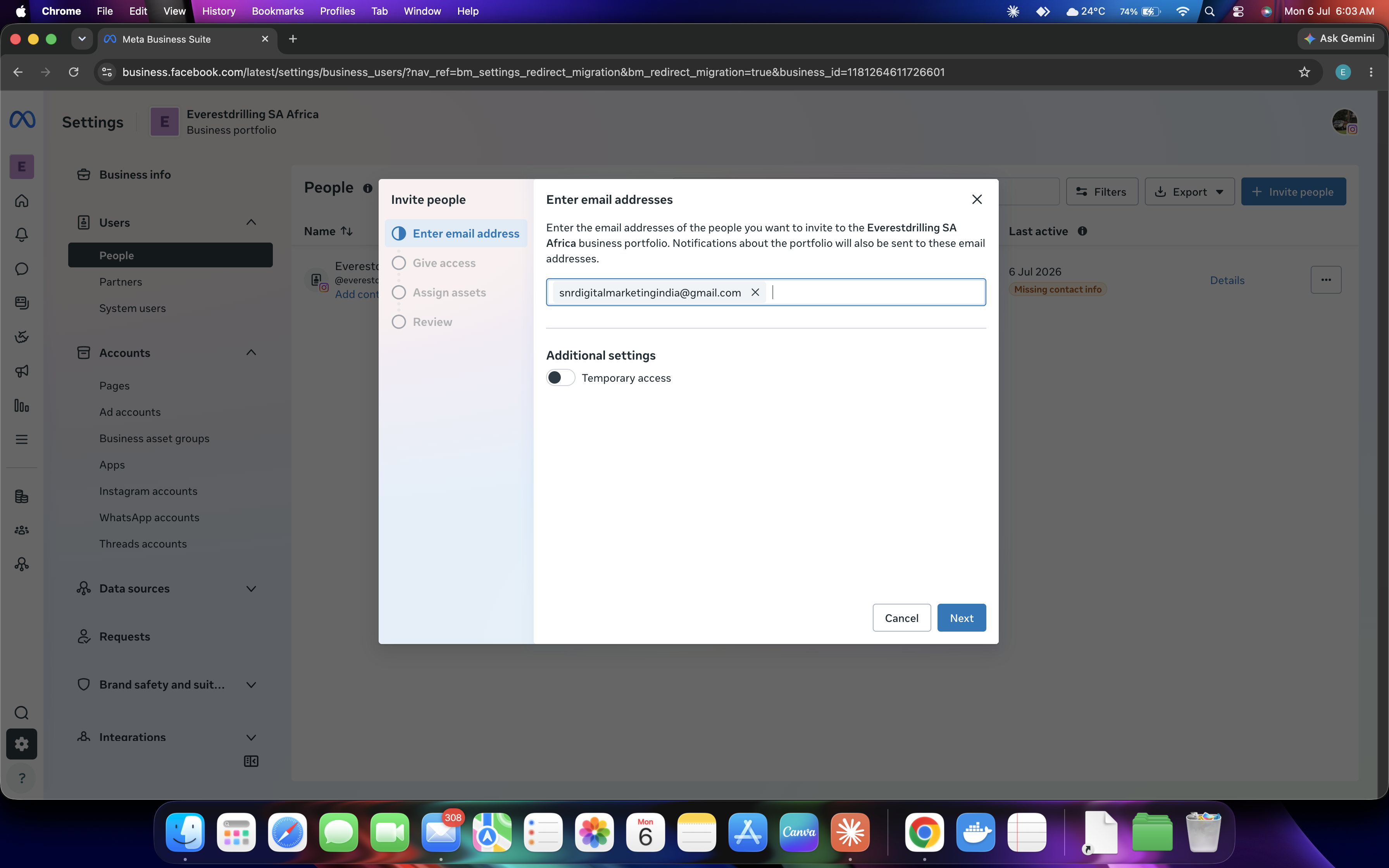
Click "Add New" under People with Facebook Access
Under "People with Facebook access", click the "Add New" button.
3
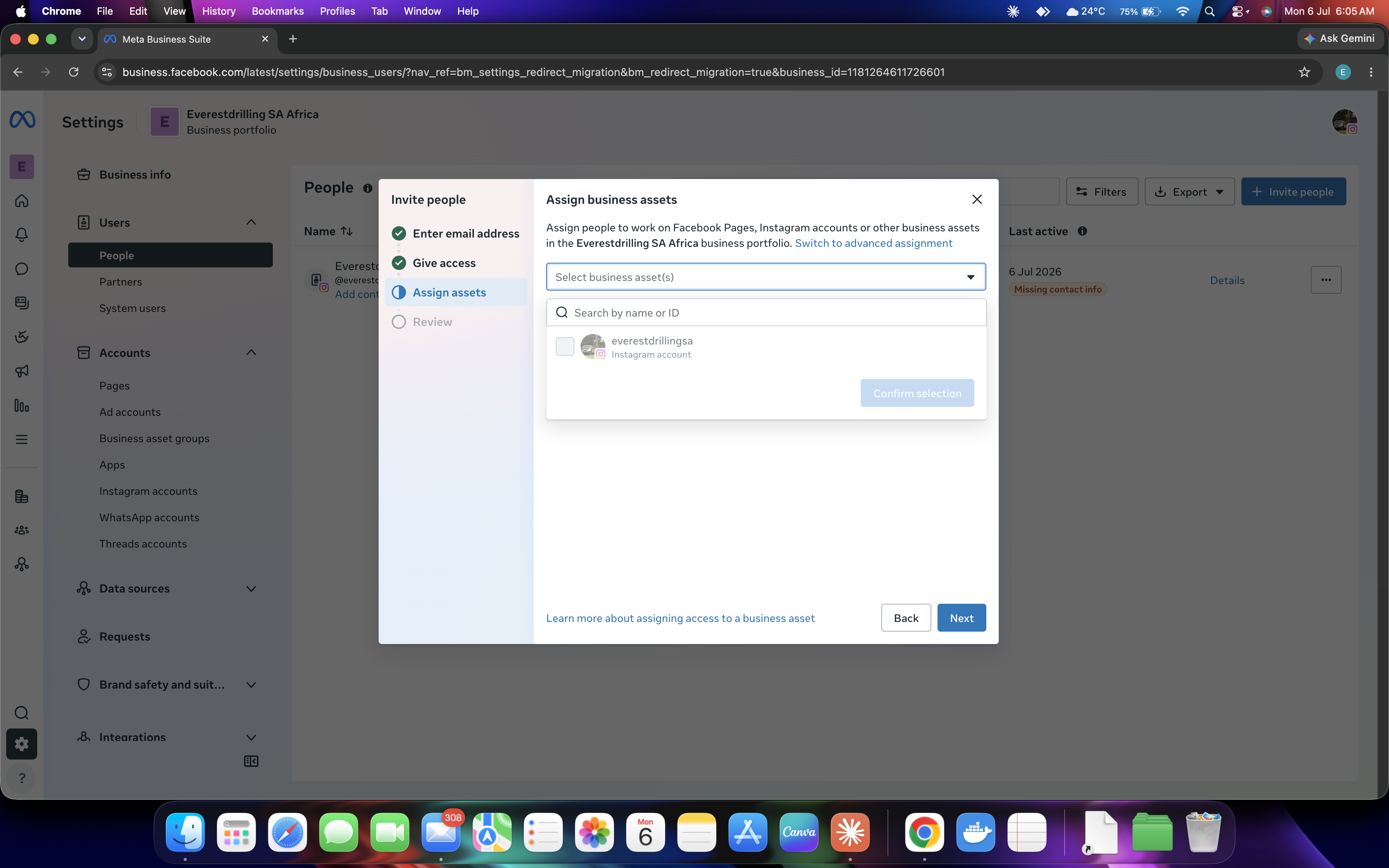
Search for SNR Digitals
Search by name "SNR Digitals" or enter the email address below and select the correct account from the results.
snrdigitalmarketingindia@gmail.com
4
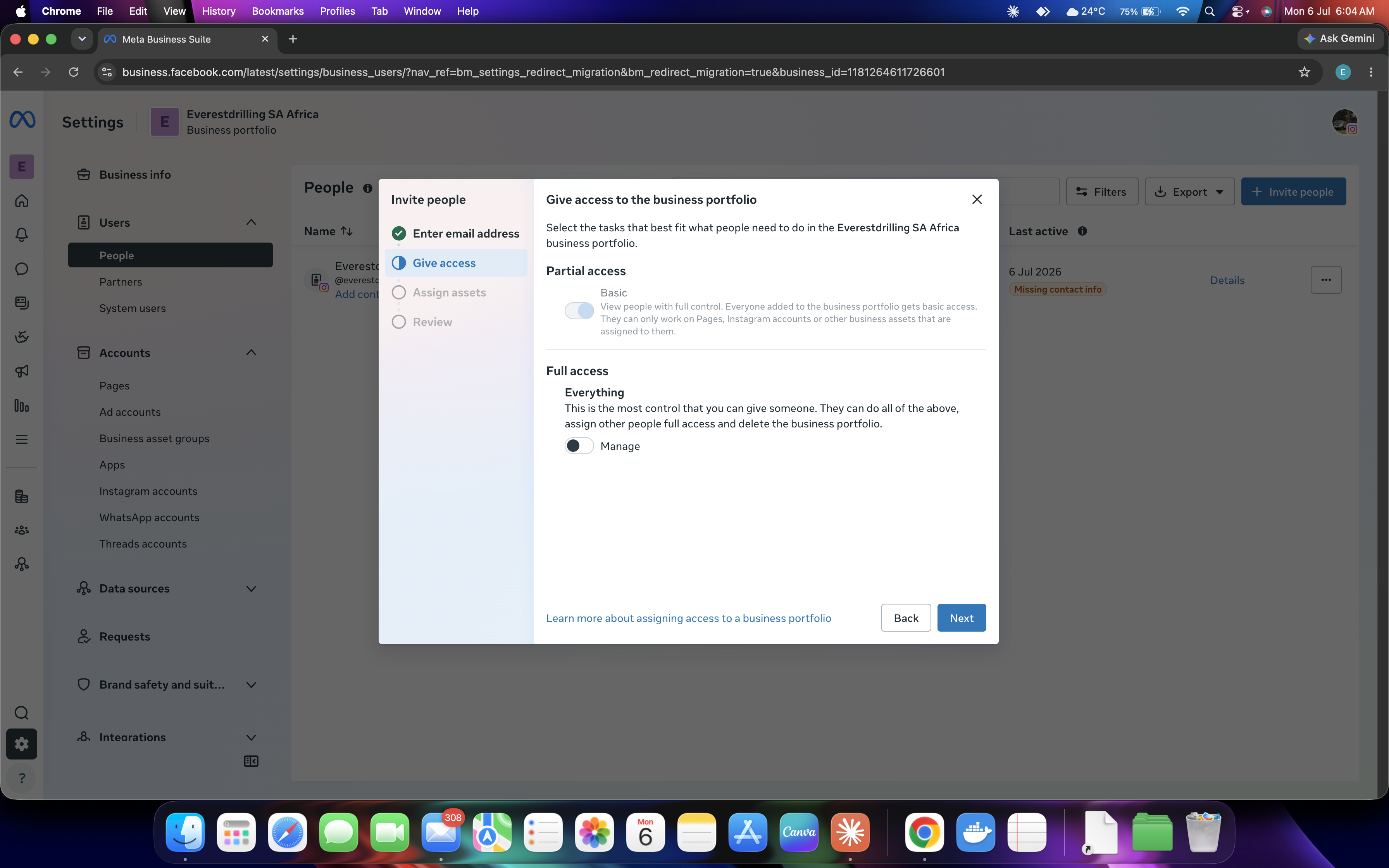
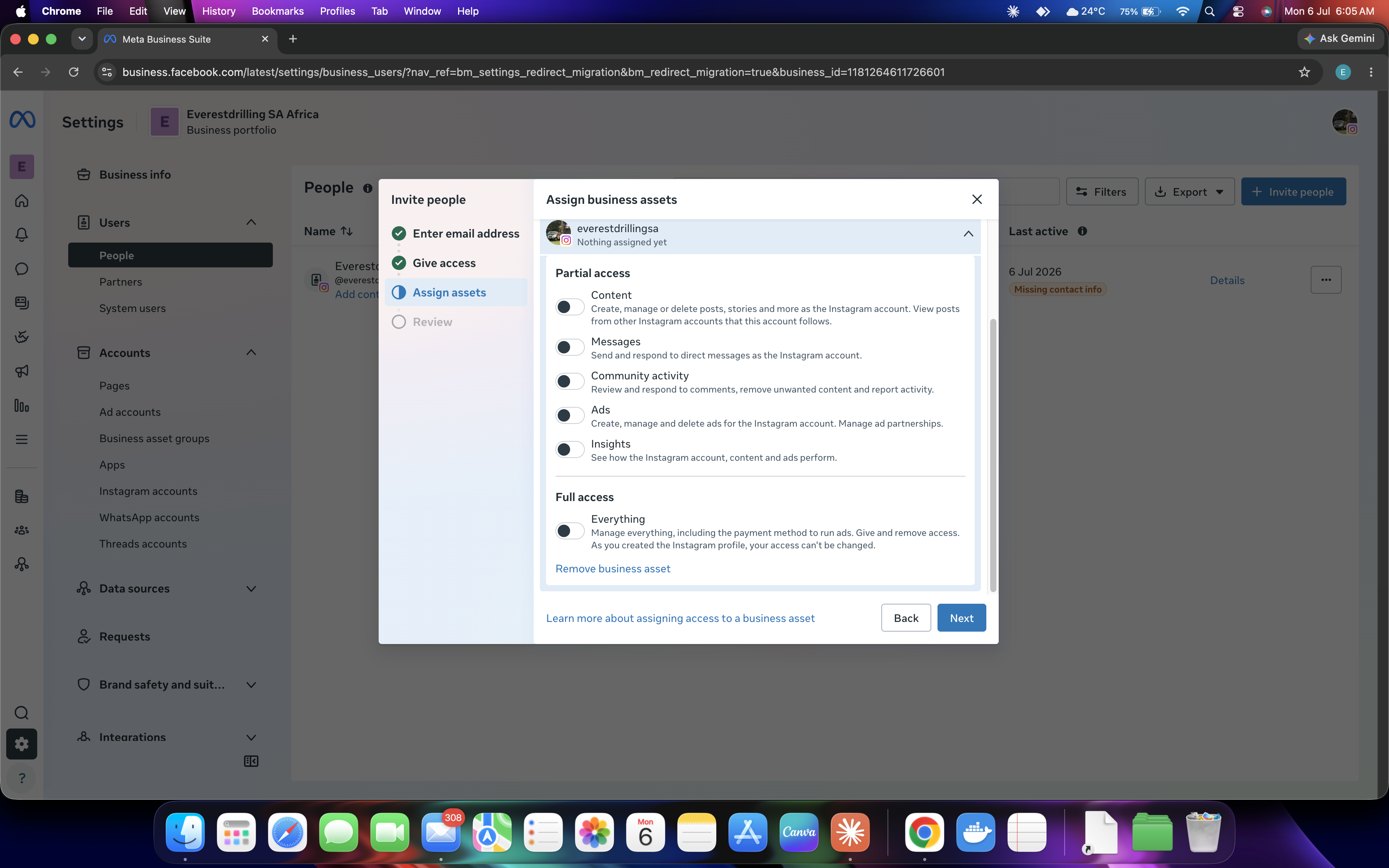
Enable Full Control (Admin access)
Toggle on "Allow [name] to have full control?" — this gives SNR Digitals admin access to manage and publish content on your page.
✔ Full control is required so SNR Digitals can post, schedule, and manage your content professionally.
5
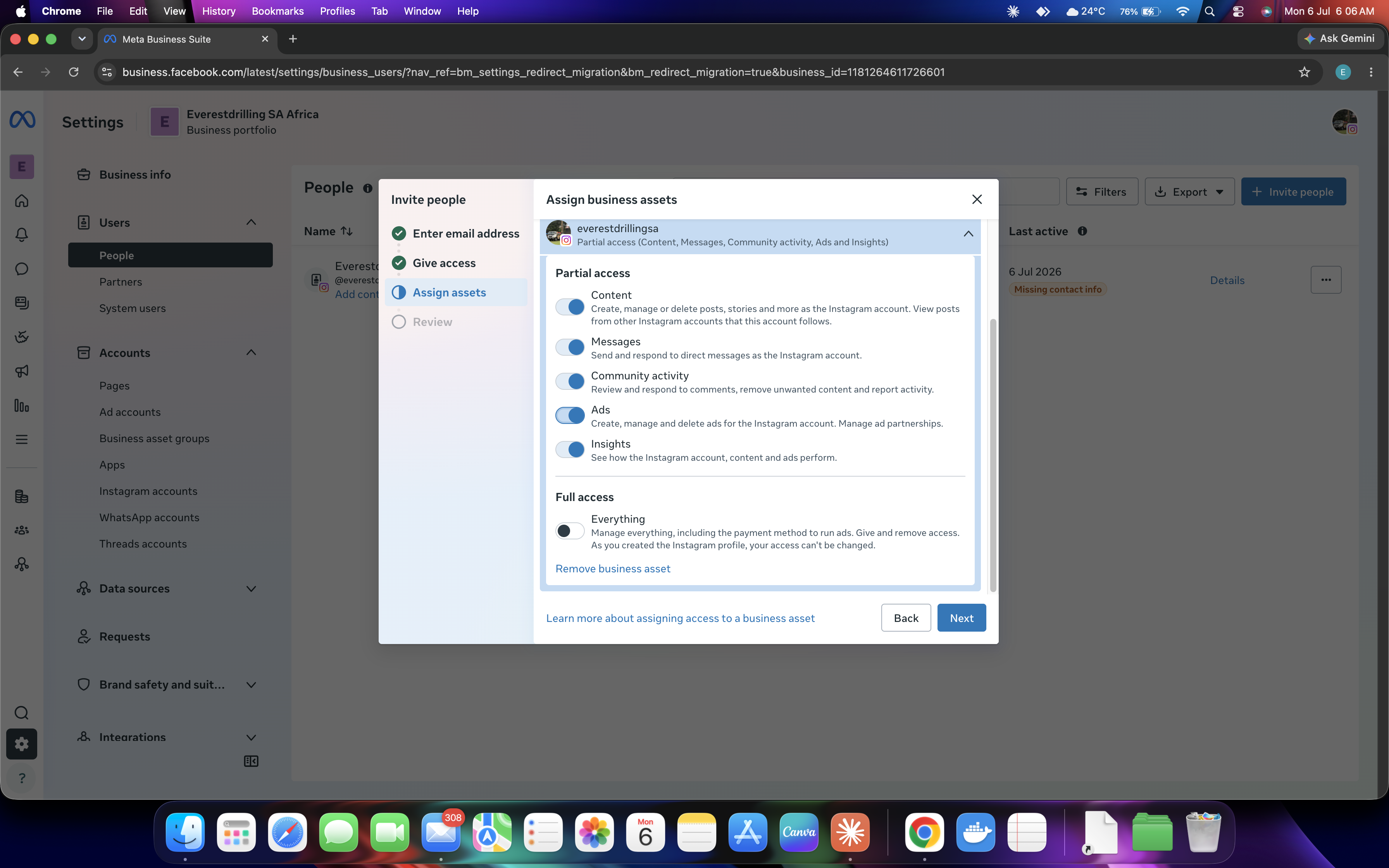
Click "Give Access" and confirm
Click "Give Access". Facebook may ask you to enter your password to confirm. Enter it and click Confirm.
6
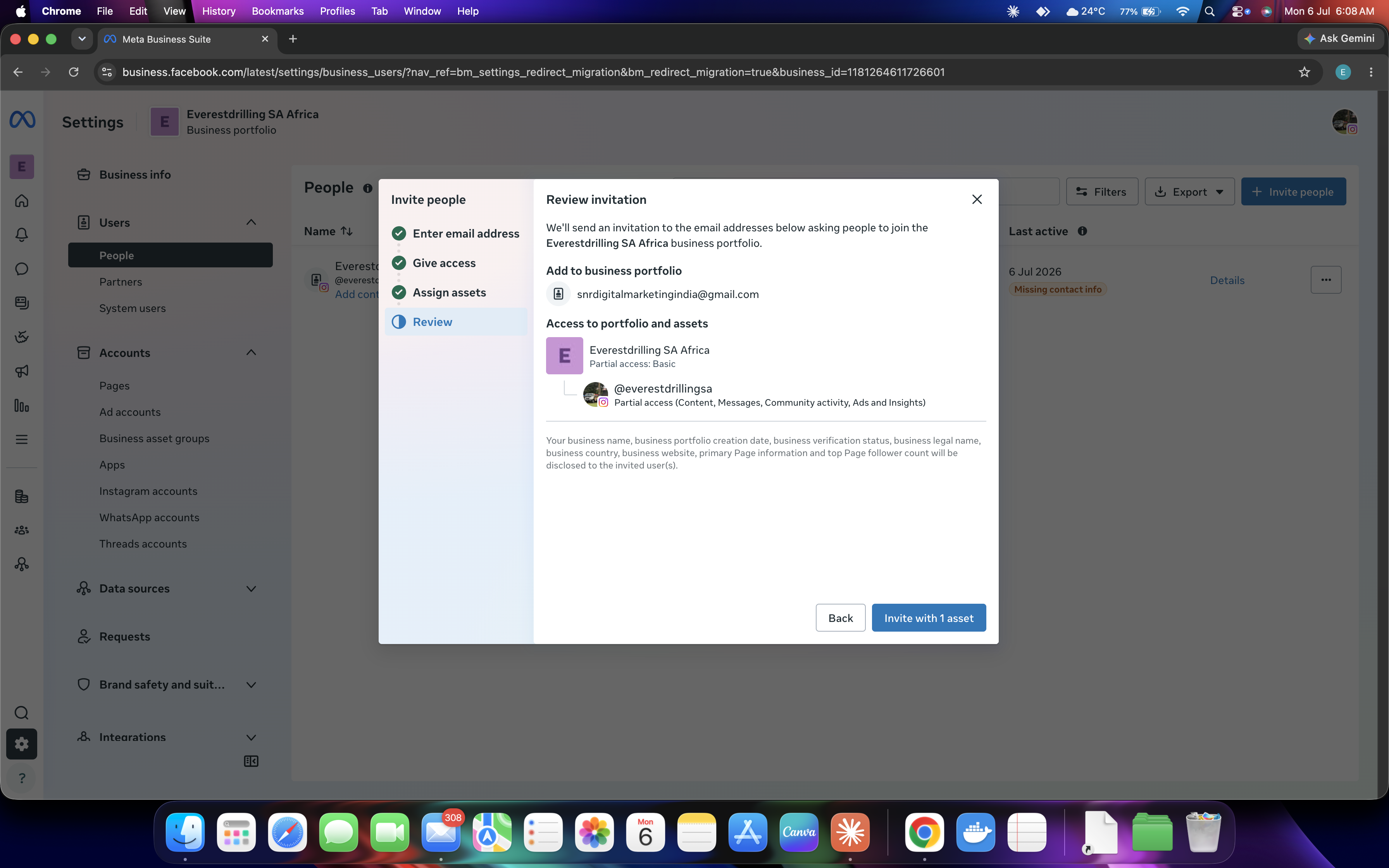
SNR Digitals is now listed under Page Access
You should now see SNR Digitals listed under "People with Facebook access" with Full control. That's it — you're done!
7
Done — let SNR know!
Send a quick WhatsApp or email to your SNR contact — we'll take it from there and start managing your page right away.
✔ If your Instagram account is linked to this Facebook Page, SNR Digitals will automatically have access to post on Instagram too.